
Users
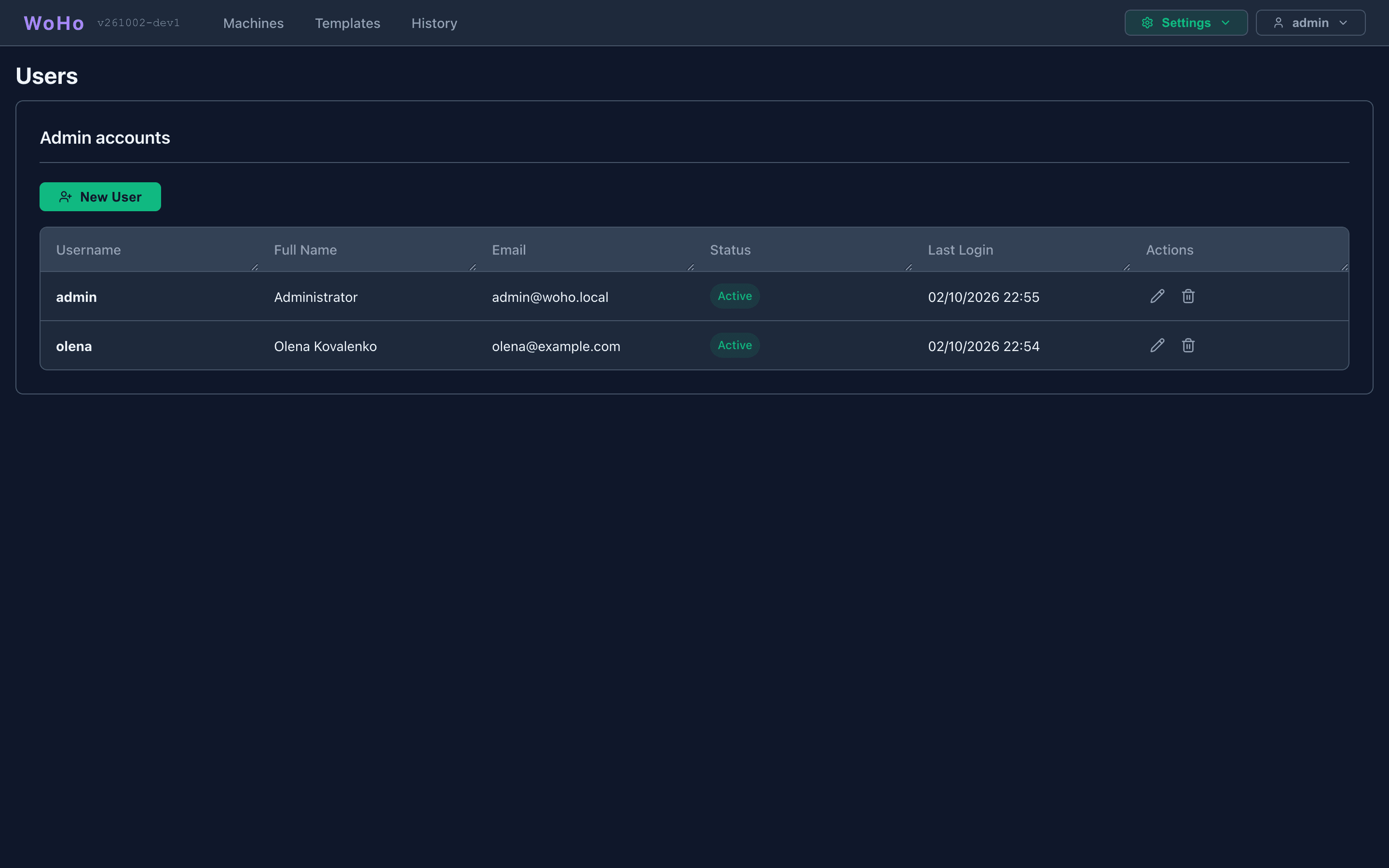
Settings → Users. All admins are equal: anyone who can log in can manage accounts.
Create
Section titled “Create”New User: username and password are required; full name and email are optional. The account can log in at once.
The pencil: username, full name, email, Active, and a new password. Setting another admin’s password needs no current password.
Unchecking Active blocks login and ends the account’s panel sessions immediately — a machine it held is released. The record and its history stay. Prefer this over deleting.
Delete
Section titled “Delete”The trash icon, after confirmation. The account’s sessions end and its machines are released. History it wrote stays, attributed to the username.
Deleting the bootstrap admin once you have your own account is a supported hardening step; it is never recreated while any admin exists.