
History
History in the header. Three levels: logins, the machines worked on in a login, the actions on one machine.
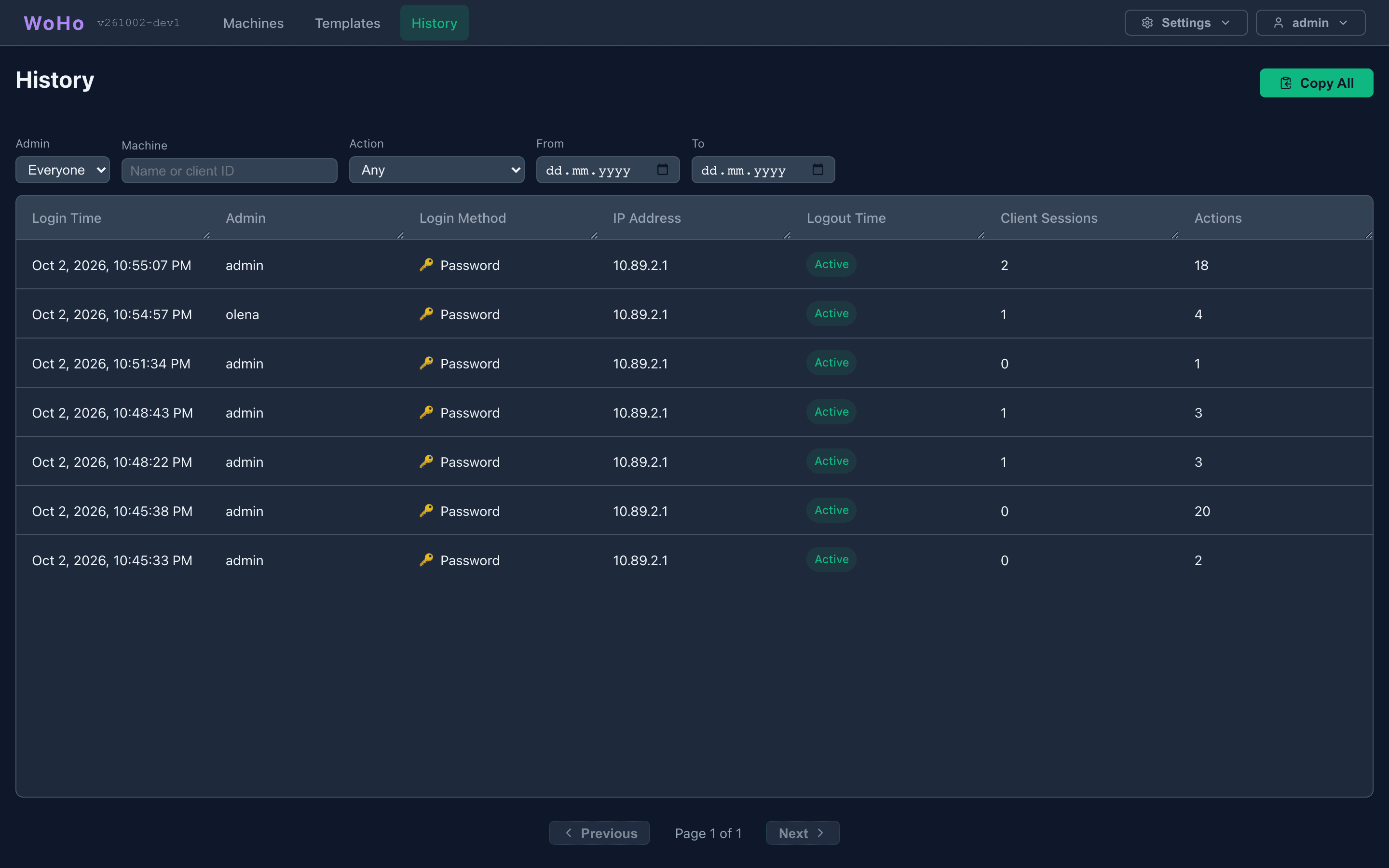
Filters
Section titled “Filters”| Filter | Values |
|---|---|
| Admin | Me (default), Everyone, or one admin |
| Machine | A name or client ID |
| Action | One action type |
| From / To | Your local days |
Filters and the level you are on are kept in the address, so Back works and a view can be shared as a link. Copy All copies the current table as text; each level has its own Copy button.
Levels
Section titled “Levels”Logins. One row per panel login: time, admin, method (password or passkey), IP address, logout time or Active, how many machines and actions.
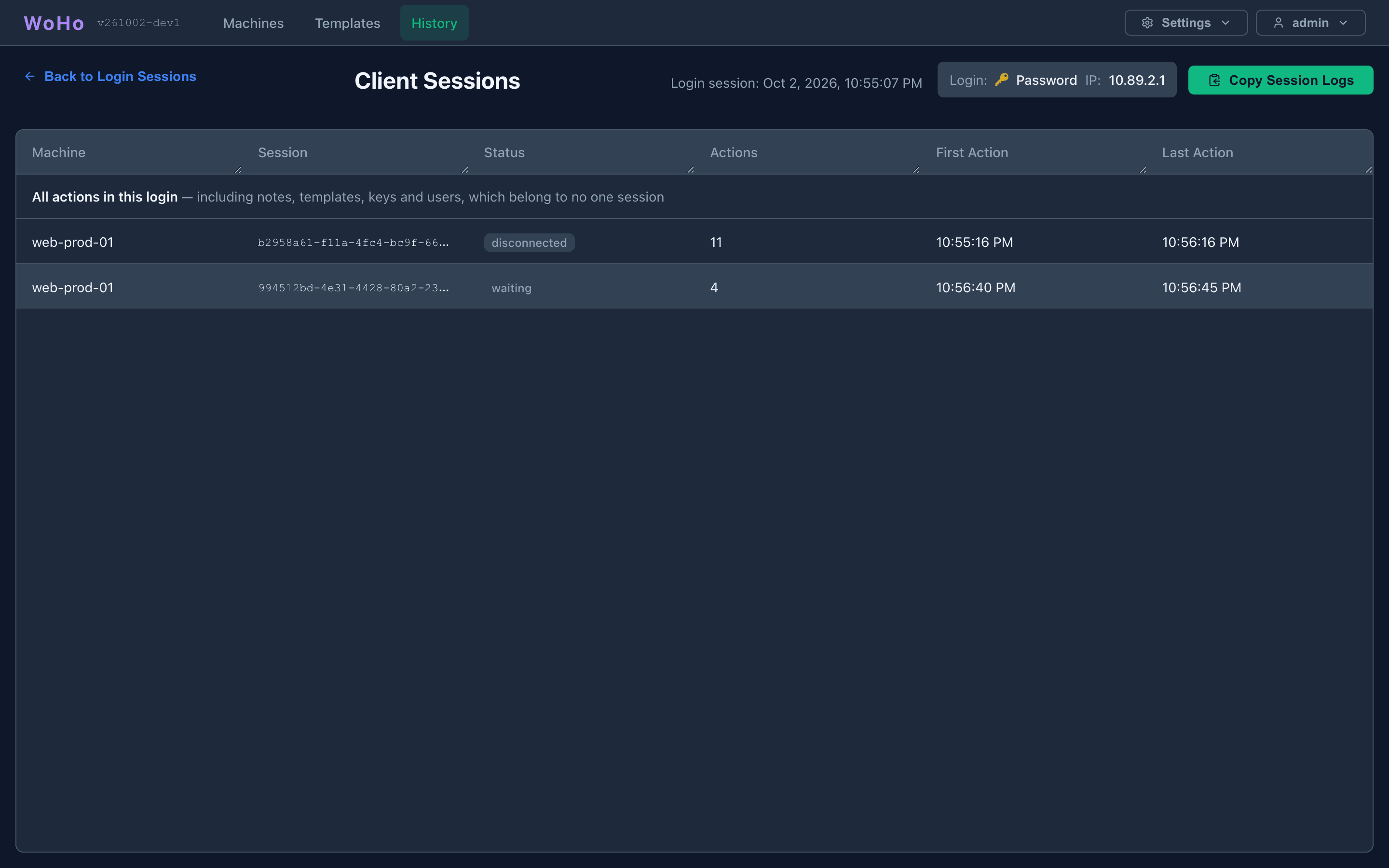
Client Sessions. Click a login. One row per machine session: machine, session, status, action count, first and last action. The first row, All actions in this login, also holds what belongs to no machine — notes, templates, keys, users.
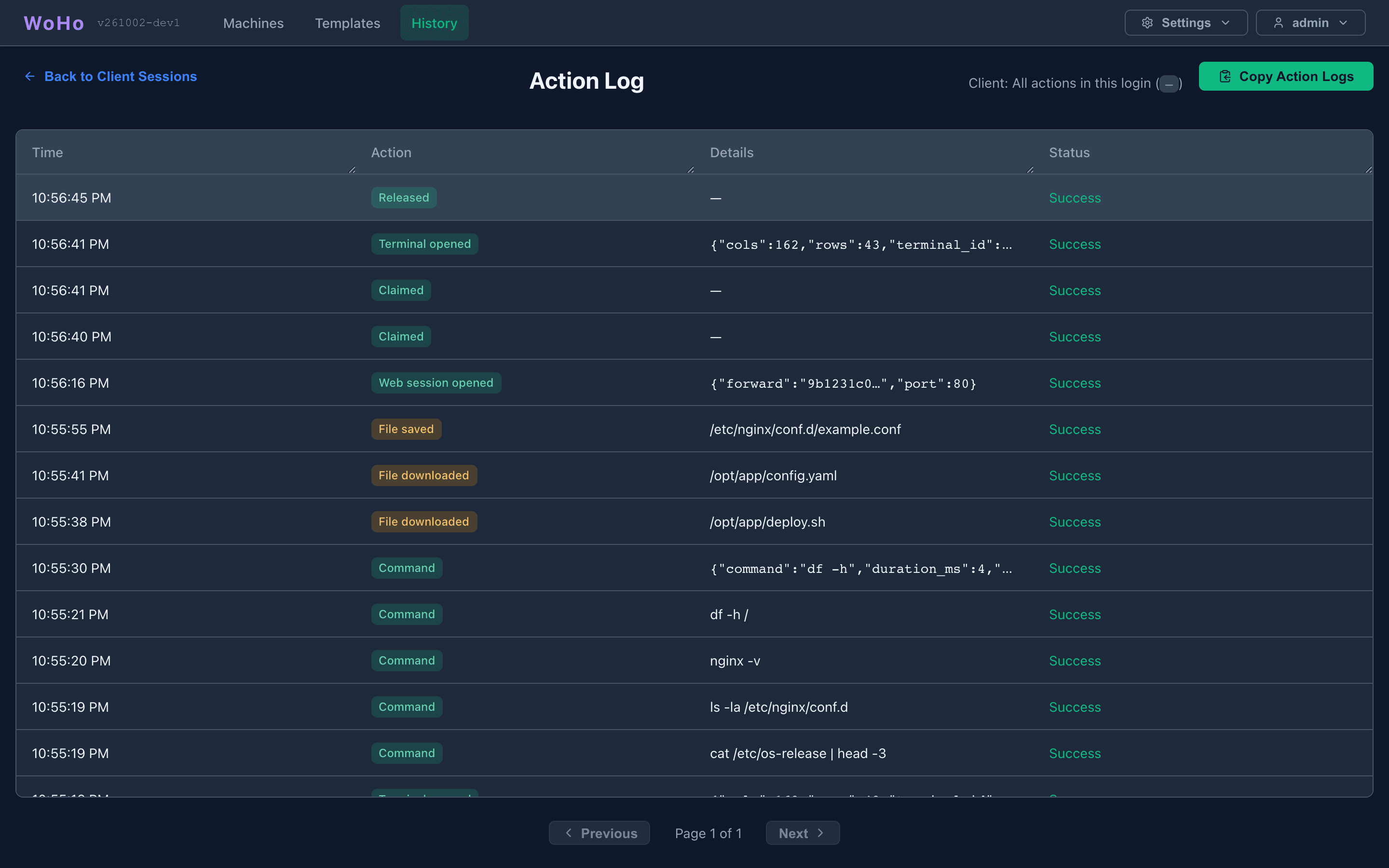
Action Log. Click a session. Every action with its time, a badge coloured by kind, details and status.
What is recorded
Section titled “What is recorded”| Kind | Actions |
|---|---|
| Login | Login, Passkey login, Failed login, Logout |
| Machine | Claimed, Released, Force-released, Closed, Session record deleted |
| Terminal | Terminal opened / closed, Command, Terminal recorded, Recording replayed |
| Web | Web session opened / closed |
| Files | File uploaded, downloaded, saved, renamed, deleted, copied, moved, Folder created — with the path and size, never the content |
| Notes, templates | Note added / edited / deleted, Template created / edited / deleted — by id, never the text |
| Keys, settings | Keys generated, Key revoked / reset / deleted, Key comment edited, Setting changed |
| Users | Create User, Update User, Delete User, Change Password, Passkey added / removed |
Commands are stored with passwords and tokens redacted. A failed login is recorded for an account that exists; a machine refused at connection is recorded with its address and shows on the machine’s timeline. Both are capped at 60 records a minute.
Retention
Section titled “Retention”90 days by default, set by retain_admin_activity (login rows: retain_login_sessions). 0 keeps forever. See Data Retention.