
Activity Log
Это содержимое пока не доступно на вашем языке.
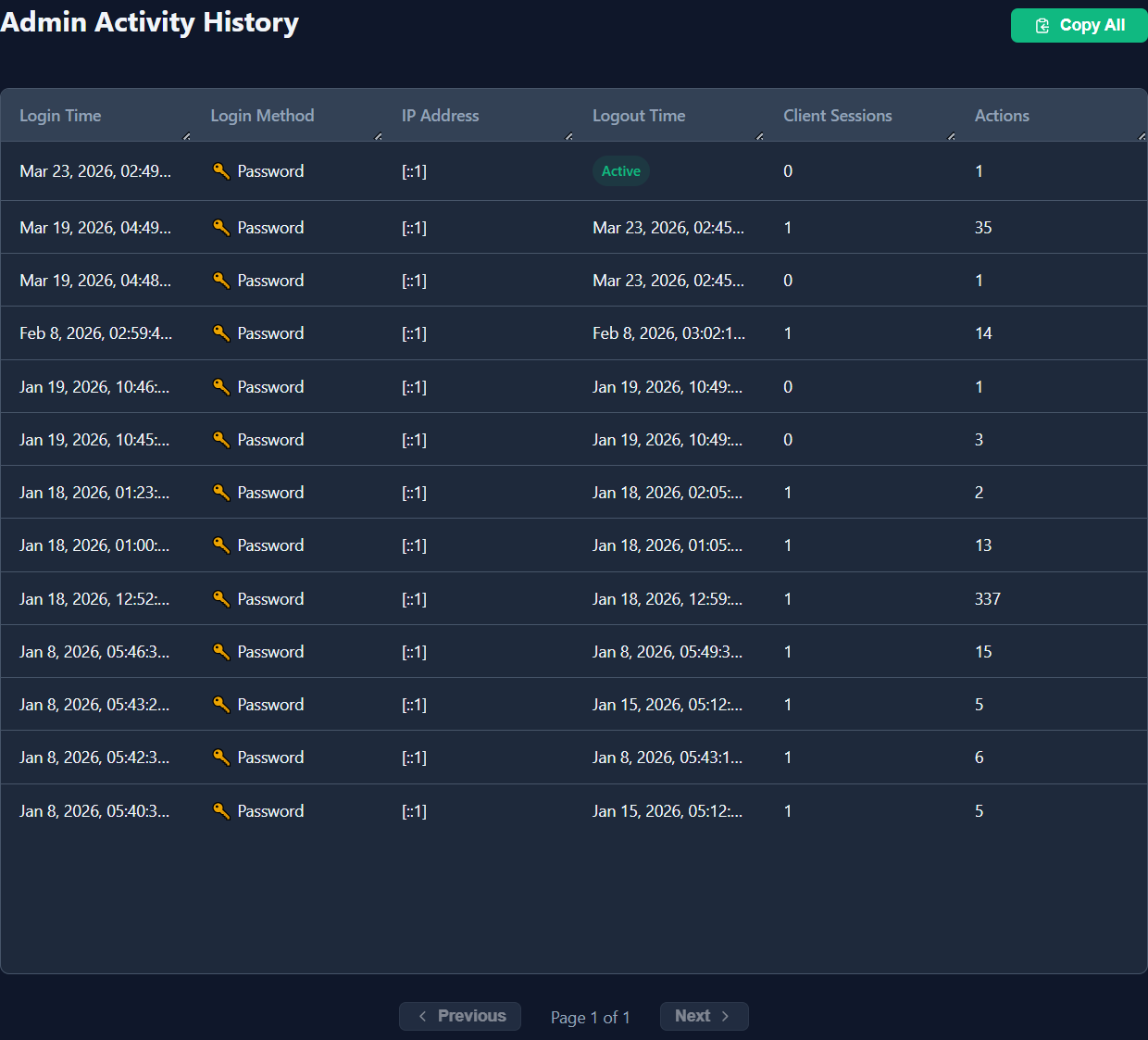
Reading the Log
Section titled “Reading the Log”Each entry records:
| Column | Description |
|---|---|
| Timestamp | Exact date and time the action was performed |
| User | Username of the admin who performed the action |
| Action | What was done (see table below) |
| Target | Which object was affected (client name, username, filename, etc.) |
| IP Address | Source IP address of the browser or API client |
Logged Actions
Section titled “Logged Actions”Authentication
Section titled “Authentication”| Action | Triggered When |
|---|---|
login | Successful password or passkey login |
logout | Admin clicks Sign Out |
login_failed | Wrong password or passkey verification failure |
Sessions
Section titled “Sessions”| Action | Triggered When |
|---|---|
session_claim | An admin claims a session |
session_release | An admin releases a session (manual or on logout) |
terminal_start | A terminal tab is opened |
terminal_stop | A terminal tab is closed |
| Action | Triggered When |
|---|---|
file_upload | A file is uploaded to the server or client |
file_download | A file is downloaded from the server or client |
file_delete | A file is deleted via the file browser |
User Management
Section titled “User Management”| Action | Triggered When |
|---|---|
user_create | A new admin user is created |
user_update | A user’s details are edited |
user_delete | A user is deleted |
password_change | A password is changed (self or by another admin) |
Security
Section titled “Security”| Action | Triggered When |
|---|---|
webauthn_register | A security key is registered |
webauthn_delete | A security key is removed |
Filtering
Section titled “Filtering”Use the filter controls at the top of the page to narrow the log:
| Filter | Options |
|---|---|
| Date range | Pick a start and end date |
| User | Show only actions by a specific admin |
| Action type | Filter to a single category (e.g. only file operations) |
Retention
Section titled “Retention”Stored in SQLite with no automatic expiry. Archive with periodic backups:
sqlite3 /var/lib/woho/woho.db ".backup /backup/woho-$(date +%Y%m%d).db"